
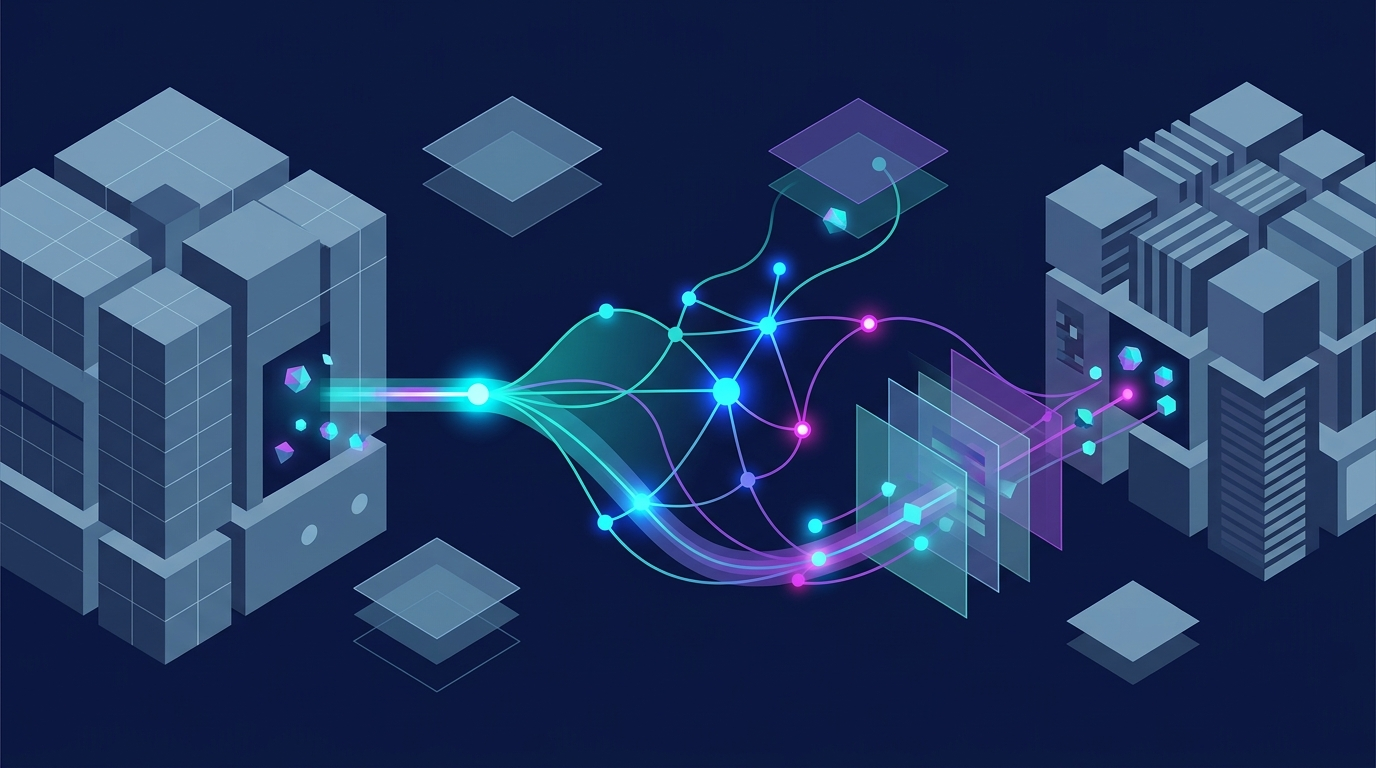
Most companies already have the data an AI agent needs. It’s just split between a CRM that knows the customer, an ERP that knows the stock and the invoices, and a dozen spreadsheets that fill the gaps. AI agent integration connects these systems so an agent can read the right data, make a decision, and act in the tools your team already uses. Without that connection, an AI agent is a smart assistant that can only talk.
With it, the agent can qualify a lead, create a quote, check inventory, and update the order without anyone copying data between screens. This guide explains how AI agent integration works, how to connect agents to CRM and ERP systems, which methods to use, and what it typically costs.
What is AI agent integration?
AI agent integration is the process of connecting AI agents to your business systems, such as CRM, ERP, help desk, accounting, and databases, so they can read data and take actions inside those systems. The agent stops being a separate chat window and becomes part of your workflows.
A standard AI tool answers questions based on what you paste into it. An integrated agent pulls live customer records, checks order status, creates tasks, and updates records on its own, within the permissions you set.
How AI agents connect to business systems
AI agents connect to business systems through the same channels other software uses. The agent picks the right tool for the task, while the integration layer handles logins, data formats, and errors.
Calls tools
Checks results
⇅
Webhooks
MCP connectors
RPA for legacy software
⇅
When does a business need AI agent integration?
You need AI agent integration when a process depends on data from more than one system, or when people spend hours moving information between tools. Common signs include:
- Sales reps copy lead details from forms, emails, and calls into the CRM.
- Finance re-enters invoice data into the ERP.
- Support agents switch between three systems to answer one order question.
- Reports take days because data has to be exported and merged manually.
- An AI chatbot gives generic answers because it can’t see customer or order data.
Why connect AI agents to CRM, ERP, and business data?
An AI agent is only as useful as the data and actions it can reach. Connecting it to your core systems turns it from a helper into a working part of your operations.
Break down data silos across departments
Sales works in the CRM, finance and operations in the ERP, and support in the help desk. An integrated agent can see across all three, so a question like “Can we ship this order by Friday?” gets an answer based on the deal, the stock level, and the delivery schedule at once.
Reduce manual data entry and repetitive tasks
Agents can log calls, update deal stages, create sales orders, and match invoices without a person retyping anything. That cuts hours of admin work and removes a common source of errors.
Give teams access to relevant business information
Instead of asking a colleague or running a report, employees can ask the agent in plain language: “What did this customer order last quarter?” or “Which invoices are overdue for more than 30 days?” The agent answers from live data, within each user’s access rights.
Automate workflows across multiple systems
The biggest gains come from workflows that cross system boundaries. An agent can take a qualified lead from the CRM, generate a quote with ERP pricing, send it for approval, and create the order once the customer signs.
How AI agent integration works
Every integrated agent follows the same basic loop: gather data, understand the request, decide, act, and record the result.
- Collecting data from connected systems
The agent pulls the data it needs from connected systems through APIs or connectors: customer records from the CRM, stock and pricing from the ERP, ticket history from the help desk. Good integrations fetch only what’s needed for the task, keeping responses fast and limiting data exposure.
- Understanding requests and business context
The agent interprets what’s being asked, whether it comes from a person, an email, a form, or a system event. It combines the request with business context, such as customer tier, contract terms, or order history, to understand what a correct response looks like.
- Applying business rules and selecting actions
Next, the agent checks your business rules, such as discount limits, approval thresholds, credit limits, or routing logic. It then chooses the right action, such as creating a record, sending a reply, or asking a human to approve.
- Executing tasks through APIs and integrations
The agent acts as the integration layer, for example, creating a sales order in the ERP or updating a deal stage in the CRM. Permissions control what it can do: an agent might be allowed to draft invoices but not send payments.
- Recording results and escalating exceptions
Every action is logged, so you can see what the agent did and why. When something falls outside the rules, such as a missing record, a conflict between systems, or a request above an approval limit, the agent passes it to the right person with the full context.
How much does AI agent integration cost?
AI agent integration cost depends on the number of systems, the quality of their APIs, data cleanup needs, and how much the agent can do on its own. Connecting an agent to one modern CRM with a native connector is a small project. Two-way CRM and ERP integration with custom business rules is much larger.
| Integration scope | Example | Estimated cost | Timeline |
|---|---|---|---|
| One system, native connector | Agent reads and updates deals in HubSpot or Pipedrive | $3,000–$8,000 | 1–3 weeks |
| One system, custom API work | Agent connects to an in-house CRM with limited API docs | $8,000–$20,000 | 3–6 weeks |
| Several systems, read-only | Agent pulls data from CRM, email, and a database to answer questions | $15,000–$35,000 | 4–8 weeks |
| Two-way CRM and ERP with business rules | Agent creates orders, updates stock and syncs deal status | $35,000–$80,000 | 2–4 months |
| Legacy systems without APIs | Agent works through old desktop software via RPA | $40,000–$100,000+ | 3–6 months |
| Ongoing support | Monitoring, model updates, API changes, new rules | 10–20% of build cost per year | Continuous |
Integrate AI agents with CRM systems
AI agent integration with CRM is usually the first step for sales, marketing, and support teams, since the CRM holds customer data most workflows depend on. A practical approach looks like this:
- Pick the workflows first. Start with tasks like lead qualification, call summaries, follow-up drafts, or deal updates, not with connecting the CRM.
- Map the data. Identify which objects and fields the agent needs: contacts, companies, deals, activities, custom fields.
- Set permissions. Create a dedicated integration user with access limited to the records and actions the agent needs.
- Choose the connection method. Most modern CRMs, such as HubSpot, Salesforce, Pipedrive, and Zoho, offer APIs, webhooks, and increasingly MCP connectors.
- Clean the data. Merge duplicates and standardize key fields before launch, or the agent will repeat existing mistakes faster.
- Test with real records. Run the agent on historical data and compare its output with what your team would have done.
- Launch with human review. Let the agent draft and suggest first, then give it more autonomy as accuracy is proven.
How to integrate AI agents with ERP systems
AI agent integration with ERP needs more care, because ERP data drives finance, inventory, and fulfillment, and mistakes have direct costs. The steps are similar to CRM, with a few additions:
- Start with read-only use cases. Stock checks, order status, and financial reporting let the agent prove its value before it writes anything.
- Understand the ERP’s integration options. Systems like SAP, Oracle NetSuite, Microsoft Dynamics 365, and Odoo offer APIs, but older or heavily customized setups may need middleware.
- Define approval steps for write actions. Create orders, post invoices, and change prices through clear rules and, at first, human approval.
- Keep an audit trail. Log every record the agent creates or changes, which is essential for finance and compliance.
- Sync master data with the CRM. Customer, product, and pricing data must match across systems, or cross-system workflows will break.
- Test in a sandbox. Run the full workflow in a test environment before connecting to production.
AI agent integration use cases across business functions
AI agents for business automation work best where tasks are frequent, rule-based, and spread across several tools. Here’s how that looks by department.
AI agents for sales and marketing
Agents qualify inbound leads, research prospects, personalize outreach, book meetings, and keep the CRM updated after every call. Connected to the ERP, they can also check pricing and availability before a rep promises a delivery date.
AI agents for finance and accounting
Agents extract data from invoices, match them to purchase orders and receipts, flag mismatches, and post approved entries to the ERP. They can also send payment reminders and prepare reconciliation reports.
AI agents for customer support
Agents answer questions using live order, billing, and account data, create and route tickets, and process simple requests like address changes or return labels. Complex cases go to a human with a summary already attached.
AI agents for HR and internal operations
Agents handle onboarding checklists, answer policy questions, process leave requests, and create accounts in internal tools. They reduce routine requests to HR and IT without replacing the people who handle sensitive cases.
AI agents for supply chain management
Agents monitor stock levels, flag low inventory, suggest reorders based on sales data, and send delivery updates. Connected to supplier systems, they can track shipments and alert teams to delays early.
AI agent integration methods and technologies
There’s no single right way to connect AI agents to business systems. Most projects combine several methods depending on the systems involved and how fast data needs to move.
| Method | Best for |
|---|---|
| REST and GraphQL APIs | Modern SaaS tools like CRM and helpdesk |
| Webhooks | Real-time triggers such as new leads or tickets |
| MCP connectors | Plug-and-play access to common business apps |
| Direct database access | Reporting and analytics on internal data |
| RPA | Legacy software without APIs |
Common challenges when integrating AI agents
Most integration problems come from the systems and data, not from the AI. Knowing them in advance helps you plan time and budget realistically.
Legacy systems and limited API access
Older ERPs and in-house tools often have limited or no APIs. Workarounds include database connectors, file-based exchanges, or custom middleware, all of which add time and cost.
Inconsistent data across CRM and ERP
The same customer can appear under different names, IDs, or addresses in each system. Without a shared identifier and clear rules for which system is the source of truth, cross-system workflows produce errors.
Authentication and permission conflicts
Each system has its own login methods, access roles, and token rules. The agent needs enough access to do its job, but no more, and permissions must respect what each user can see.
Duplicate records and synchronization errors
When two systems update the same record, conflicts and duplicates appear. Good integrations define sync direction, timing, and conflict rules, and they log every change so issues can be traced and fixed.
Conclusion
AI agent integration is what turns an AI agent from a chat tool into a working part of your business. Connected to your CRM, ERP, and data, an agent can qualify leads, create quotes, process invoices, and answer customers using live information instead of guesswork. The technology to do this is mature, from APIs and webhooks to open standards like MCP, so the harder part is usually clean data, clear rules, and the right permissions. Start with one workflow that crosses two systems, prove the results, and expand from there. Plan for ongoing costs and human oversight from the start, especially for actions that touch finance or customer data.
If you’re ready to connect AI agents to your business systems, talk to Braintix Labs about a scoped estimate for your first workflow.
Decentralized finance lending protocols let you lend or borrow cryptocurrency through smart contracts instead of banks or brokers. By TVL, the top DeFi lending platforms are Aave, Morpho, Spark, Compound, and Fluid. While some lending platforms combine all funds into one pool, others separate their lending processes into separate markets to isolate the effects of any problem that may occur within an asset. AI agent integration is the process of connecting AI agents to business systems such as CRM, ERP, help desk, and databases, so the agents can read data and take actions inside those systems. Instead of working as a separate chat tool, an integrated agent can update records, create orders, and run workflows across several tools within the permissions you set. AI agents connect to CRM and ERP systems through APIs, webhooks, integration platforms such as Zapier or n8n, MCP connectors, or custom middleware. Each connection gives the agent specific actions, such as finding a contact or creating a sales order. The integration layer handles authentication, data mapping, and error handling. A simple integration with one system usually takes 2–4 weeks. Connecting a CRM with one or two other tools takes about 4–10 weeks, while two-way CRM and ERP workflows take 2–5 months. Enterprise projects with legacy systems can take 4–9 months. These timelines are indicative and depend on data quality and API access.
Faq